

Category: GameTruck News and Updates
How far in advance should i book a GameTruck

Planning a party and wondering about the ideal GameTruck booking lead time? For most events, the simple rule of thumb is 7 days in advance. This window usually gives you a great head start for locking in your preferred day and time without feeling rushed.
However, securing your date isn’t always that simple. Think of it like trying to get a reservation at a popular new restaurant; you can’t just call the day before a Saturday night. The best time to book your GameTruck party depends heavily on the time of year, the day of the week, and even your specific location.
This all comes down to a simple case of supply and demand. Most families are vying for the same weekend afternoon slots, especially during the warmer months from May through October. As you’d expect, these prime times are the first to get claimed. A Saturday in the fall requires much more planning than a Tuesday in February.
A simple strategy can help you find your perfect booking window and ensure you get the date you want by accounting for the key variables that impact availability.

The 3 Factors That Control GameTruck Availability
While that 7 days window is a fantastic starting point, the real sweet spot for booking your party depends on a few key details. Think of it like booking a flight—a Tuesday in February is a lot easier to get than the Sunday after Thanksgiving. For a GameTruck party, the same logic applies, and it all comes down to timing and location.
Knowing these factors helps you avoid the dreaded “Sorry, we’re all booked!” message. The most important things that affect the GameTruck booking window for weekends and weekdays alike are:
- The Time of Year: Is it a popular party season?
- The Day of the Week: Are you aiming for a prime Saturday slot?
- Your Specific Location: How busy is the truck in your town?
The biggest variable is what we call peak season for GameTruck parties. These are the times when everyone wants to have a party at once: the warmer months from May through October, school holidays, and any long weekend. During these periods, popular slots like Saturday afternoons can get reserved 2-3 months in advance. On the other hand, a weekday party in January or February often has much more flexibility.
Finally, it’s crucial to remember that your local GameTruck is a neighborhood business with its own schedule. The truck that serves your community has a different calendar than the one in a city 50 miles away. This is why GameTruck availability is hyper-local. A Saturday in October requires a different booking strategy than a Sunday in March.
Your Game Plan for Booking During Peak Season
So, your party falls right in the middle of that peak season for GameTruck parties? No problem—you just need a slightly different game plan. For the most popular months like May, June, and October, or during major school breaks, the booking sweet spot is 8 to 12 weeks in advance. Think of it like trying to get a reservation at that amazing new restaurant on a Saturday night; the best slots are always claimed early, and planning ahead is essential for securing your spot.
This longer window is especially critical for high-demand periods that create a party-planning rush, such as the first warm weekends of spring, back-to-school celebrations, or the fun leading up to Halloween. Successful GameTruck birthday party planning during these busy times often comes down to one simple strategy: before you even check the calendar, decide on your ideal party date and a second-choice backup date. This little bit of prep work can make all the difference.
Having two potential dates ready transforms the process from a stressful scramble into a simple choice. It’s the single best strategy for securing your GameTruck date when you know competition will be high. Of course, the specific day of the week matters just as much as the month. A Saturday in October is in a league of its own when it comes to popularity, which is why it’s important to understand how weekends fill up first.
Why Weekends Fill Up First (And How to Use Weekdays to Your Advantage)
It’s no secret that Saturdays and Sundays are the prime time for any kid’s party, and it boils down to one simple reason: school. With nearly everyone aiming for these same two days, the competition for a party slot skyrockets. This is why the GameTruck booking window for weekends can be much longer than people expect. For a popular Saturday afternoon in a busy month, you may need to look at booking as far as three to four months in advance.
This is where savvy planners have a secret weapon: the after-school party. A celebration on a Tuesday or Thursday afternoon has a completely different level of demand. Because you’re avoiding the weekend rush, you gain a massive advantage in flexibility. This strategy often opens the door for a successful last-minute GameTruck rental, sometimes with as little as two to four weeks’ notice, turning a potential planning headache into an easy win.
Ultimately, securing your GameTruck date comes down to choosing the strategy that fits your timeline. You can plan far ahead for that coveted weekend spot, or you can enjoy the relaxed booking and unique fun that a weekday party offers. Of course, these are just guidelines based on demand. The only way to know for sure what’s available for your party is to see the live calendar for your area.
How to Check Real-Time GameTruck Availability in 3 Simple Steps
Seeing the live calendar for your area is easier than you might think.The entire process takes less than a minute and gives you the exact same information our party planners see. Simply follow these steps to check availability for your celebration.
Your journey starts with your zip code. Because each GameTruck is a local business serving its own community, availability is entirely location-dependent. Entering your zip code first ensures you are looking at the correct schedule for the truck that services your neighborhood. This single step prevents the disappointment of finding a date only to learn it’s for a truck in another city. It’s the most critical part of the GameTruck reservation process step-by-step.

The Last-Minute Booker’s Guide: Is It Too Late to Rent a GameTruck?
You just checked the calendar and your heart sinks a little—your ideal party date is just two weeks away. Don’t panic just yet. While the most popular Saturday afternoon slots are often claimed months in advance, finding an opening on short notice is absolutely possible. The key to successfully finding last-minute GameTruck availability isn’t luck; it’s a smart and simple strategy based on one thing: flexibility. Being open to different days or times can turn a potential disappointment into a party-planning win.
While Saturday afternoons are the first to fill up, they aren’t the only great time for a party. If your preferred Saturday is booked, expand your search. A Friday evening is a fantastic way to kick off the weekend, and a more relaxed Sunday afternoon can be the perfect end to it. These last-minute GameTruck rental options are often available when Saturdays are booked solid, giving you a great chance to secure the main event for your celebration without having to shift the entire weekend.
Flexibility with your party’s start time can also be a game-changer. Think of it like trying to get a dinner reservation at a popular restaurant—the 7:00 PM slot might be gone, but 5:30 PM could be wide open. The same often applies here. A mid-afternoon party time might be booked, but an earlier 11:00 AM slot or a later 6:00 PM start time could be yours for the taking. Even if you’re wondering when should i reserve a GameTruck party? at the eleventh hour, a quick check with an open mind can save the day. Once you find that perfect slot, you’ll probably have a few questions about deposits and what comes next.
Key Booking Questions: Deposits, Cancellations, and Costs
Once you find that perfect slot, you’re just one step away from locking it in. Before you finalize, you probably have a few practical questions about the details. Here are the quick answers to the most common ones that come up at this stage.
- Q: Is there a deposit to book a GameTruck? A: Yes, a deposit is required to secure your reservation. Think of it as putting your name on that specific date and time in permanent ink—it’s what officially ensures the truck is yours and won’t be booked by anyone else.
- Q: What is the GameTruck cancellation policy? A: Because each GameTruck is a local, independently owned business, cancellation policies can vary. Typically, you’ll need to provide a certain amount of notice (often 14 days or more) for a refund. Always be sure to review the specific terms for your local operator before you complete your booking.
- Q: How do GameTruck party cost and availability relate? A: Generally, they don’t. Unlike airline tickets that get more expensive closer to the date, the price for a party is usually fixed. The real “cost” of waiting isn’t paying more money—it’s the risk of losing your preferred date altogether. Booking early simply guarantees you get the spot you want at the standard price.
Securing Your Date: A Simple Party Planning Timeline
With a clear understanding of the key booking windows for GameTruck birthday party planning, you can move forward with confidence and avoid last-minute stress. To make it even simpler, here is your stress-free booking timeline. The benefits of booking a GameTruck early are clear, especially for those popular weekend slots.
- 8-12 Weeks Out: Ideal for a peak season weekend party. Check dates now.
- 4-8 Weeks Out: The sweet spot for most parties. Lock in your date.
- 2-4 Weeks Out: Good for weekdays or off-season dates. Check availability and be flexible.
- 1-2 Weeks Out: Possible but not guaranteed. Check immediately and have backup plans.
Ultimately, party planning doesn’t have to be a race against a hidden clock. You’re now equipped to make a smart, simple choice that prevents last-minute stress. The first step to securing your GameTruck date and claiming that “Party Hero” title is just a click away. Check the calendar for your date, and turn this plan into a party.
Is GameTruck worth it compared to other party options

Another birthday is just around the corner, and the party planning stress is already setting in. You could host at home and face the inevitable cleanup, or book a venue and juggle a dozen kids in a public space. But what if there was a third option that brought the party to you, without a single guest stepping inside your house? Enter the GameTruck.

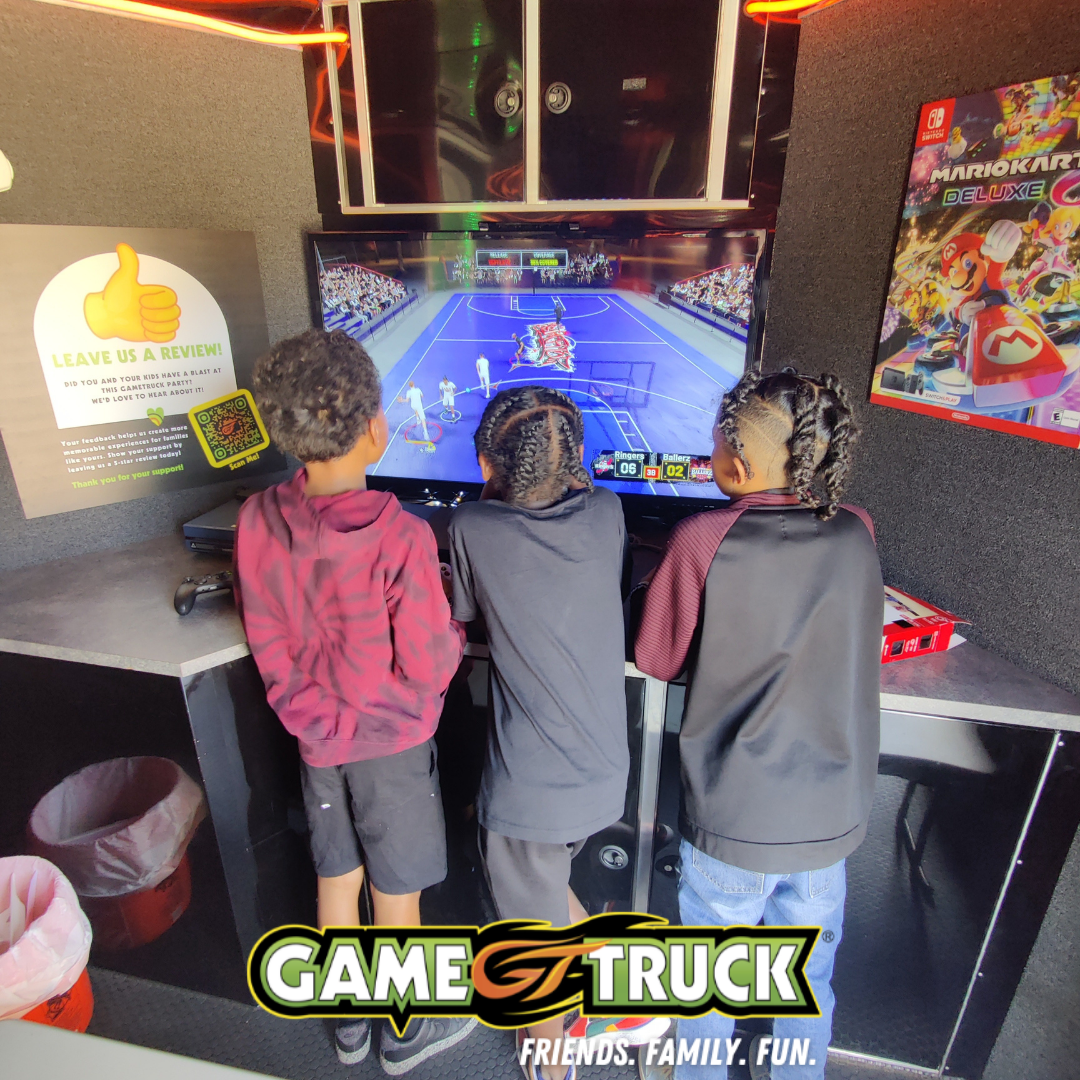
Think of it like a private movie theater on wheels, but for video games. These mobile gaming parties happen inside a large, climate-controlled trailer that has been transformed into a high-tech arcade. Inside, you won’t find just one screen, but a whole wall of them, each connected to popular consoles like Xbox, PlayStation, and Nintendo Switch. It’s a completely self-contained environment that pulls right up to your curb.
This multi-station setup is the secret sauce. Instead of kids fighting over one TV, a GameTruck can typically host 16 to 20 players at once, all supervised by a trained staff member who runs the event. This solves the biggest headache of most video game parties. But is the convenience worth the cost compared to other options? Let’s break it down.
How a GameTruck Party Works: The 3-Step Process to a Stress-Free Day
So, how does the magic actually happen on party day? It’s simpler than you might think. The GameTruck pulls up right to your curb on schedule, completely self-powered and ready to go. You don’t need to worry about special hookups or clearing space inside your home. Once the door opens, the kids are ushered into a climate-controlled gaming paradise, and the party begins—entirely outside of your house.
This is where the most valuable feature comes in: the Game Coach. You aren’t left to manage the technology or the kids. Every party is run by a trained staff member who is part host, part tech support, and part referee. They help kids find age-appropriate games, make sure everyone gets a turn, and handle any questions. For you, this means you can actually relax, take pictures, or chat with other parents instead of playing crowd control.
When the party time is up, the experience is just as seamless. The kids exit the truck, and the Game Coach simply closes the doors and drives away. There is no equipment to pack up, no living room to de-clutter, and absolutely no post-party cleanup. Your home remains exactly as it was, and your only job was to watch your child have an unforgettable day.
The Big Question: How Much Does a GameTruck Party Cost?
After hearing about the convenience, the first question on every parent’s mind is simple: what’s the price tag? While GameTruck pricing and packages are set by local owners, you can typically expect a two-hour party to fall in the $375 to $550 range. The key thing to understand is that this is usually a flat fee for the entire event, not a per-person charge. This model can be incredibly cost-effective for larger groups, where the per-head costs of a bowling alley or laser tag arena would quickly add up.
Of course, the final price isn’t one-size-fits-all. Several factors can influence the total cost, which gives you some control over the budget. The most common variables include:
- Party Duration: A 90-minute party will naturally cost less than a two-hour or three-hour block.
- Day of the Week: Weekend dates, especially Saturday afternoons, are in high demand and are typically priced higher than weekday parties.
- Travel Distance: Some locations may add a small travel surcharge if you live far outside their standard service area.
That flat fee covers more than just access to a cool truck. It pays for a complete, managed experience—the Game Coach who runs the show, the huge library of games, the climate-controlled environment, and the priceless benefit of zero post-party cleanup. But how does this all-inclusive cost compare when you put it head-to-head with other classic party options?
GameTruck vs. Other Parties: A Head-to-Head Value Comparison
That $450 price tag might seem steep at first glance, especially when you can rent a bounce house for less or host a party at home for the cost of pizza and cake. But a true value comparison isn’t just about dollars—it’s about what you get for that money in terms of your own time, effort, and sanity. When you look at it that way, the math starts to change.
Here’s how GameTruck compares against two classic birthday bash formats: a party at a venue like a bowling alley or laser tag arena, and the traditional at-home party.
Looking at the options side-by-side reveals the real trade-off. You’re investing in a party where your main job is simply to enjoy it.
- GameTruck Party
- Parent Effort: Low. The Game Coach runs the entire event.
- Weather-Proof: Yes. The party is on, rain or shine.
- Clean-Up: None. The truck drives away, and so does the mess.
- ‘Wow’ Factor: High. It’s unique and instantly exciting for the kids.
- Venue Party (e.g., Laser Tag)
- Parent Effort: Medium. You still have to wrangle kids in a public space and manage transport.
- Weather-Proof: Yes.
- Clean-Up: None.
- ‘Wow’ Factor: Medium. Fun, but a more common experience.
- At-Home Party
- Parent Effort: High. You are the planner, decorator, entertainer, and janitor.
- Weather-Proof: No (if any part is outdoors).
- Clean-Up: Major. Your house is the party zone.
- ‘Wow’ Factor: Varies. It’s entirely dependent on your budget and effort.
The GameTruck model exchanges a higher upfront cost for a near-total reduction in parent stress and labor. A huge part of what makes that possible is the staff member who arrives with the truck. This person might just be the most valuable part of the whole package.
The ‘Hidden’ Value: Why the Game Coach is Your Party MVP
That Game Coach isn’t just a chaperone; they are a trained party host. Their entire job is to keep the energy high and the event running smoothly, from setting up games to showing a hesitant child how to use a controller. You aren’t stuck troubleshooting a frozen screen or trying to figure out which cord goes where. The technical side of the party is completely handled.
Contrast this with an at-home game party, where you become the referee for squabbles over controllers and the tech support for frustrated kids. The Game Coach takes on that entire role. They navigate group dynamics and ensure everyone gets a fair turn, turning potential meltdowns into shared fun. It’s the difference between hosting a party and actually getting to enjoy it.
This is the core of the GameTruck promise. You’re not just renting a trailer full of screens; you’re buying two hours of guaranteed, expert-led entertainment so you can relax. The Coach ensures the fun is constant, but they also manage another crucial detail: the games themselves.
Are the Games Age-Appropriate? How GameTruck Manages the Fun
One of the biggest worries for any video game party is making sure the content is right for your child and their friends. With GameTruck, you are in the driver’s seat. Before the party even starts, you get to approve the entire library of games that will be available. The GameTruck has a huge selection of titles, but nothing gets played without your explicit permission, putting you in complete control.
To help you decide, games use a rating system much like movies do. You’ve probably seen the little letters on game boxes: “E” for Everyone, “T” for Teen (which might have mild cartoon violence), and “M” for Mature (for older teens and adults). Your Game Coach is an expert on this library and can help you understand what each game is like, ensuring you can confidently pick a fun and appropriate lineup for all the guests.
Once you’ve set the ground rules, the Game Coach takes over. They’ll only suggest and load the games from your approved list, so you don’t have to worry about a guest trying to access something off-limits. This system gives parents total peace of mind, knowing the fun is contained and appropriate.
The Practical Details: Space, Power, and Other Common Questions
Beyond the games, the truck itself brings up a few practical questions. Fortunately, the logistics are designed to be surprisingly simple and hands-off for you. Most of the common worries are already solved by the service.
Here are the answers to the most frequent questions parents have about the setup:
- How much space do I need? You’ll want about length of 60 ft, 5-6 car lengths. The Game Coach is an expert at maneuvering the trailer, so you won’t have to worry about the parking job itself.
- Does it need to plug into my house? No. The truck is completely self-powered with its own quiet generator. This means no extension cords running across your lawn and no risk of tripping a circuit breaker in your home.
- What about bad weather? The party goes on. Unlike a bouncy castle or a park gathering, a GameTruck is fully climate-controlled with air conditioning and heating, making it a perfect, weatherproof solution for any season.
This self-sufficiency is a core part of the appeal. You are not just booking an activity; you are booking a self-contained environment that eliminates the most common party-planning headaches.
The Final Verdict: Who Is a GameTruck Party Perfect For?
After weighing the convenience, expert supervision, and zero-cleanup benefits against the cost, the value of a GameTruck party becomes clear. It’s a premium experience, but for many families, the trade-off is well worth it.
A GameTruck is likely worth it for you if:
- You prioritize convenience and low stress over the lowest possible cost.
- Your child and their friends are passionate about video games.
- You’re looking for unique party ideas for 10 – 16 year olds that deliver a huge “wow” factor.
- You absolutely dread the idea of party setup and, most of all, the cleanup.
Ultimately, the goal isn’t just to throw a party; it’s to create a happy memory without creating chaos for yourself. Weighing these options helps you choose the path that guarantees a fantastic celebration for your child and a stress-free day for you.
Week of Kindness: Simple Ways to Teach Kids Kindness (6-10)
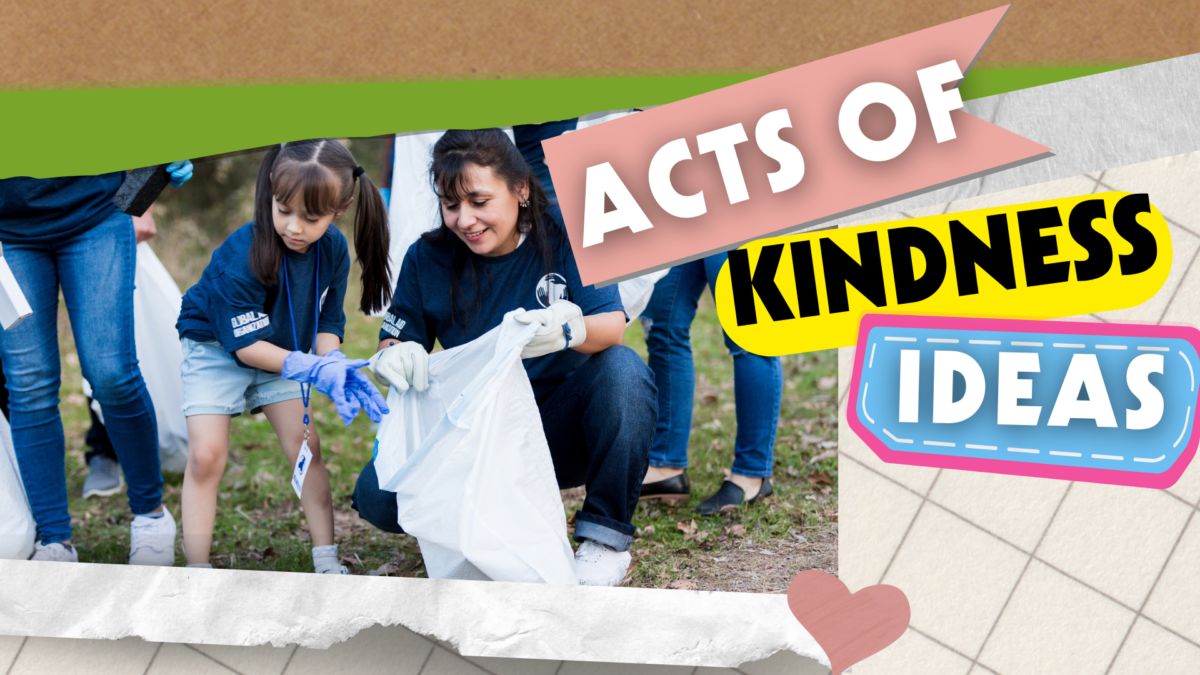
The Week of Kindness is a wonderful opportunity for families to slow down and focus on empathy, gratitude, and helping others. For parents of kids ages 6–10, this week is a perfect time to introduce simple habits that build kindness into everyday life. By using easy, age-appropriate week of kindness ideas, families can turn meaningful moments into lasting lessons.
As we explore how to celebrate kindness together, it helps to start by understanding what this week is all about.
What Is the Week of Kindness?
The Week of Kindness is a themed awareness week that encourages kids and families to practice kindness through everyday actions. It focuses on helping children learn empathy, respect, and compassion at home, at school, and in their community. Instead of grand gestures, the goal is to show kids that small, thoughtful actions matter.
Once parents understand the purpose of the week, it becomes easier to explain it to kids in a way that feels positive and exciting.
How Did the Week of Kindness Get Started?
The idea behind kindness-focused weeks grew from character education and social-emotional learning programs. Schools and communities wanted ways to teach children how their actions affect others, reduce bullying, and improve relationships. Over time, families also began using kindness weeks at home to reinforce these lessons.
Knowing where the Week of Kindness came from helps parents see why it continues to be so meaningful today.
Why Teaching Kindness Matters for Kids Ages 6–10
During ages 6–10, children are learning how to manage emotions, form friendships, and understand fairness. Teaching kindness during this stage helps kids build empathy, improve communication, and gain confidence. When kids practice kindness, they also learn how to handle conflict and include others.
With that foundation in mind, parents can use practical week of kindness ideas to help kids practice these skills daily.
10 Week of Kindness Ideas Parents Can Do With Kids
Now that we understand why kindness matters, let’s explore simple, realistic activities families can do together throughout the week.
Make a Kindness Jar
To begin the week, create a kindness jar together. Write kind actions on slips of paper, such as helping a sibling or saying thank you, and let your child pick one each day. This makes kindness feel fun and intentional, and it gives kids something to look forward to.
After starting with a daily reminder, you can build on this momentum with words of appreciation.
Write Thank-You Notes
Next, encourage your child to write or draw thank-you notes for teachers, neighbors, or family members. This helps kids recognize the people who support them and express gratitude in a meaningful way.
Once kids practice gratitude, they are often more aware of how their words affect others.
Try a Compliment Challenge
Another easy idea is a compliment challenge. Ask your child to give three genuine compliments throughout the day. Compliments help kids practice noticing positive traits in others and boost confidence on both sides.
As kids become more comfortable using kind words, they can also learn kindness through helpful actions.
Do a Secret Kindness Chore
Have your child choose a chore to do for someone else without being asked. This could be making a bed, feeding a pet, or setting the table. Secret acts of kindness teach kids that helping others doesn’t always need recognition.
From helpful actions at home, families can extend kindness beyond their own walls.
Donate Toys or Books
Let your child pick gently used toys or books to donate. Talk about where the items will go and how they might help another child. This helps kids understand generosity and empathy in a concrete way.
After giving to others, creative expression can reinforce kind messages.
Create Kindness Art
Encourage kids to make posters, drawings, or cards with kind messages. These can be displayed at home or shared with friends and family. Art gives children a creative way to express positive feelings.
Once creativity is involved, kindness can become even more fun.
Play Family Kindness Bingo
Create a simple bingo card with actions like sharing, helping, or including someone. As kids complete activities, they mark their card. This game-style approach keeps kids engaged while reinforcing positive behavior.
From games, families can take kindness into their neighborhoods.
Go on a Kindness Walk
Take a walk together and look for ways to spread kindness. Pick up litter, smile at neighbors, or leave encouraging sidewalk chalk messages. This shows kids that kindness can happen anywhere.
As the day winds down, reflection helps solidify what kids have learned.
Read a Kindness-Themed Book
Choose a book that focuses on empathy, friendship, or helping others. Pause to ask questions about how characters show kindness and how kids might act in similar situations.
After discussing stories, reflection can help kids connect lessons to real life.
End the Day With a Kindness Reflection
Each evening, ask your child one simple question, such as “What was one kind thing you did today?” This builds awareness without pressure and helps kindness become a habit.
Once these activities are complete, parents can focus on keeping kindness going.
Tips for Making Kindness a Daily Habit
To keep kindness from being a one-week event, parents should model kind behavior, praise effort, and keep expectations realistic. Talking openly about feelings and choices helps kids understand why kindness matters. Most importantly, consistency makes kindness feel natural.
With these tips in place, families can move from a themed week to everyday practice.
Conclusion
The Week of Kindness is more than a special event—it’s a chance for families to build lifelong habits together. By using simple week of kindness ideas, parents can help kids ages 6–10 develop empathy, confidence, and strong social skills. Small acts, practiced daily, can make a big difference in how kids treat others and see themselves.

Looking to help your child develop their creativity? Unlock their imagination and help them thrive with these easy-to-follow tips. Start fostering your child’s creativity today!